In today’s fast-paced educational environment, technology plays a crucial role in improving both teaching and learning experiences. As schools continue to embrace digital solutions, the integration of Google EDLA ((Enterprise Device Learning and Analytics) with modern classroom tools, such as SoftLogic’s interactive flat panels, is reshaping how education is delivered. In this article, we’ll explore Google EDLA and discuss why it matters for the future of classrooms equipped with interactive flat panels.
- Google Classroom for organizing assignments and facilitating communication.
- Google Workspace for Education (Docs, Sheets, Slides) for collaborative learning and document management.
- Google Meet for virtual learning and live classroom engagement.
- Google Cloud AI and Analytics for monitoring student performance and providing actionable insights.
What is Google EDLA?
Google EDLA stands for (Enterprise Device Learning and Analytics. It is a suite of tools created by Google to improve educational experiences through cloud-based technologies and data analytics. This framework supports both teachers and students by enhancing the management of learning materials, tracking academic progress, and creating personalized learning paths. Google EDLA includes several components, including:
The combination of these tools fosters an interactive, collaborative, and data-informed learning environment.
- Real-Time Collaboration and Engagement
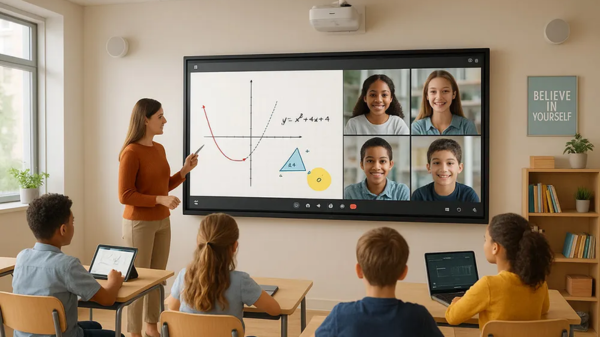
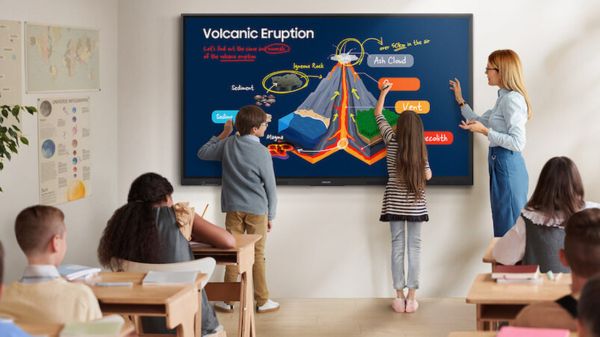
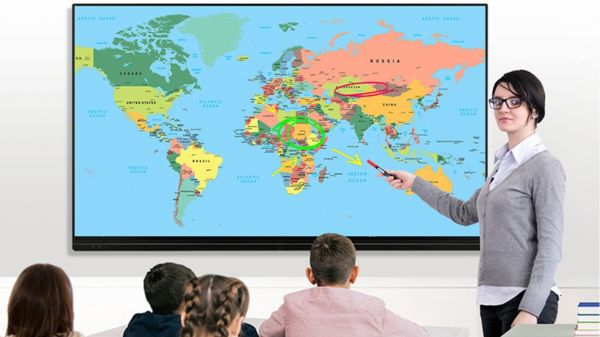
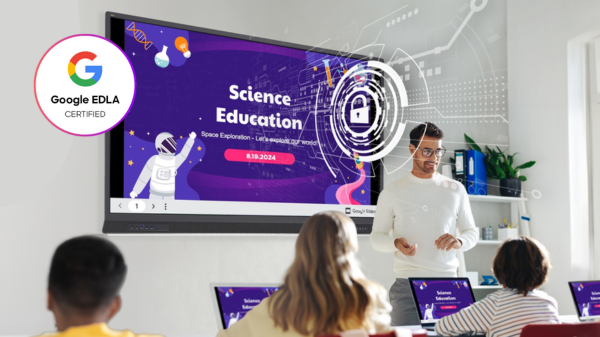
One of the key benefits of Google EDLA is its ability to enable real-time collaboration. This collaboration is enhanced by the interactivity of SoftLogic’s flat panels. Teachers and students can use Google Classroom and Google Docs to work together on assignments or projects. The interactive flat panel serves as a large canvas for visualizing and annotating their work. This integration makes group activities and classroom discussions more engaging and dynamic.
Teachers can also use the interactive features of the flat panel to annotate Google Slides, provide instant feedback on assignments, and run interactive quizzes or polls with students, all directly from the panel. - Data-Driven Insights for Personalized Learning
Google EDLA offers powerful data analytics tools that provide valuable insights into student performance. When integrated with SoftLogic’s interactive flat panels, this data can be used in real-time to adjust teaching strategies.
For example:- Real-time assessments and quizzes can be displayed on the interactive flat panel.
- Teachers can instantly analyse student performance and change lessons to suit individual or group needs.
- Interactive tools can help visualize data, allowing teachers to identify trends and areas for improvement among students.
- Seamless Remote and Hybrid Learning
As hybrid learning becomes more common, integrating tools like Google Meet with SoftLogic’s interactive flat panels offers a smooth experience for both in-person and remote students. Teachers can:- Stream live lessons via Google Meet while using the interactive panel to display content.
- Share and annotate documents from Google Workspace, ensuring that remote students have access to the same materials as those in the classroom.
- Record lessons for students to review later, creating a rich repository of digital content.
- Enhanced Classroom Collaboration
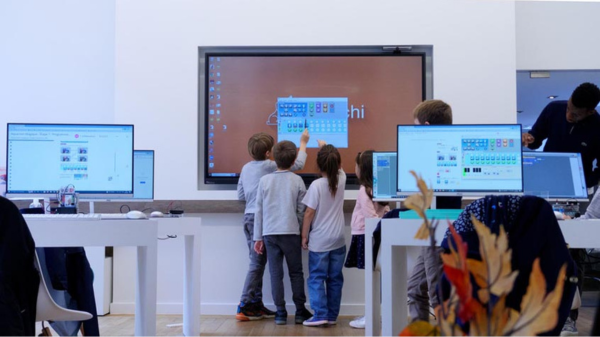
Interactive flat panels are designed for multiple users to interact with them at the same time. This feature aligns well with Google EDLA’s focus on collaborative learning. With SoftLogic’s interactive flat panels, students can work together on a shared screen, contribute ideas, edit documents, and solve problems collaboratively.
Google tools can be integrated into the panel to enable real-time brainstorming and idea sharing. Whether working on a group project or participating in an interactive lesson, students can engage with both the content and each other in a more hands-on, immersive way. - Efficient Classroom Management
Managing a classroom filled with different learning needs can be challenging. However, with Google EDLA’s data-driven insights combined with SoftLogic’s interactive flat panels, teachers can efficiently monitor and adjust their approach. Teachers can:
- Use Google Analytics to track student engagement and participation during lessons.
- Adjust the pace of the lesson based on real-time data about how students respond.
- Provide instant feedback through quizzes, polls, and digital annotations, all visible on the interactive panel.
- Promoting Digital Literacy and 21st Century Skills
By integrating Google EDLA with interactive flat panels, students gain hands-on experience with digital tools commonly used in professional environments. Through collaboration on Google Docs, Slides, and Sheets, students learn how to work together digitally, share information, and manage projects. These skills are essential for success in today’s technology-driven world.
Interactive flat panels enhance this learning experience by making it easier to interact with digital content, share knowledge, and contribute to group efforts in real time. As students become more comfortable with these tools, they gain a deeper understanding of how to navigate the digital world.
How Google EDLA Enhances Interactive Flat Panels in Classrooms?
When paired with SoftLogic’s interactive flat panels, Google EDLA transforms the way teachers interact with students and educational content. Here’s how the integration works and why it’s such a powerful combination:
- Engaged and Active Learning: The combination of interactive technology and cloud-based tools keeps students motivated and involved in their lessons.
- Personalized Education: Real-time data and insights allow teachers to tailor their teaching methods to better fit each student’s needs.
- Collaboration and Communication: Tools like Google Meet encourage communication and teamwork, even in remote learning settings.
- Efficiency and Flexibility: Google EDLA’s integration with interactive flat panels simplifies classroom management, lesson delivery, and content sharing.
- Future-Ready Skills: Students develop essential digital skills and prepare for future academic and career success by using the tools they’ll encounter in the workforce.
Why It Matters for Schools
For schools looking to provide a modern, effective learning environment, integrating Google EDLA with SoftLogic’s interactive flat panels offers numerous benefits:
Conclusion
The combination of Google EDLA and SoftLogic’s interactive flat panels is a game changer for modern classrooms. By leveraging the strengths of both digital tools and data analytics, schools can create a dynamic, engaging, and
personalized learning experience that supports student success.
Whether you’re transitioning to a hybrid model, improving collaboration, or using data to inform teaching strategies, the synergy between Google EDLA and SoftLogic’s interactive flat panels unlocks the full potential of today’s
digital learning environments.
Ready to transform your classroom? Explore SoftLogic’s interactive flat panels today and see how this powerful integration can reshape the future of education!